
How can we help?
Video Tutorials
Getting started with Aplaix
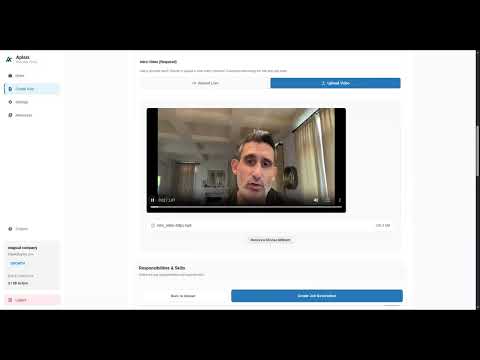
Creating & Publishing a Role
How to set up candidate prompts, define think/response time limits, and configure scoring rubrics.
Watch Guide (2 min)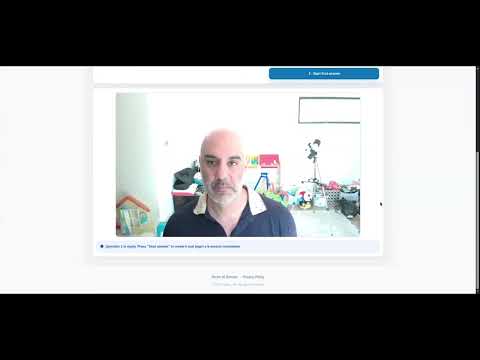
The Candidate Application Flow
Walk through what your candidates see—from hardware checks to single-take video recording.
Watch Guide (3 min)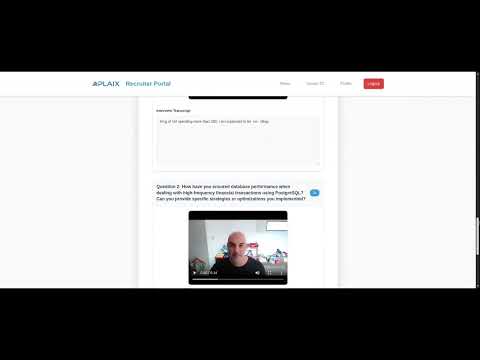
Reviewing & Making Hiring Decisions
How to read transcript summaries, rate candidates against rubrics, and push decisions to your ATS.
Watch Guide (2 min)Knowledge Base
Browse by topic
What is Aplaix?
Aplaix is an asynchronous candidate screening platform that acts as a pre-ATS validation gate. Candidates record video responses to structured questions on their own schedule, and Aplaix transcribes and summarizes each submission — so recruiters spend time only on high-intent candidates worth moving forward.
Who is Aplaix for?
Aplaix is built for recruiters, hiring managers, and talent acquisition teams who handle high applicant volume and want to eliminate repetitive 1st-round phone screens.
Is Aplaix an ATS (Applicant Tracking System)?
No. Aplaix sits in front of your ATS to handle early-stage validation and screening. It filters out bot spam and low-intent applications before qualified candidates enter your ATS pipeline.
How does Aplaix work?
You set up a role with structured prompts and share a screening link. Candidates complete a short hardware check and record single-take responses. Aplaix transcribes and summarizes each submission so your team can quickly evaluate candidates side by side.
How long does it take to get started?
Most teams are up and running in under five minutes. No complex setup, browser downloads, or IT involvement required.
Is there a free trial?
Getting started is completely free. You get 1 active role slot with your first 2 candidate submissions fully unlocked so you can test the end-to-end workflow before upgrading.
Can't find what you're looking for?
Need direct assistance? Our team is here to help.
Contact Support