
Step 1 of 6
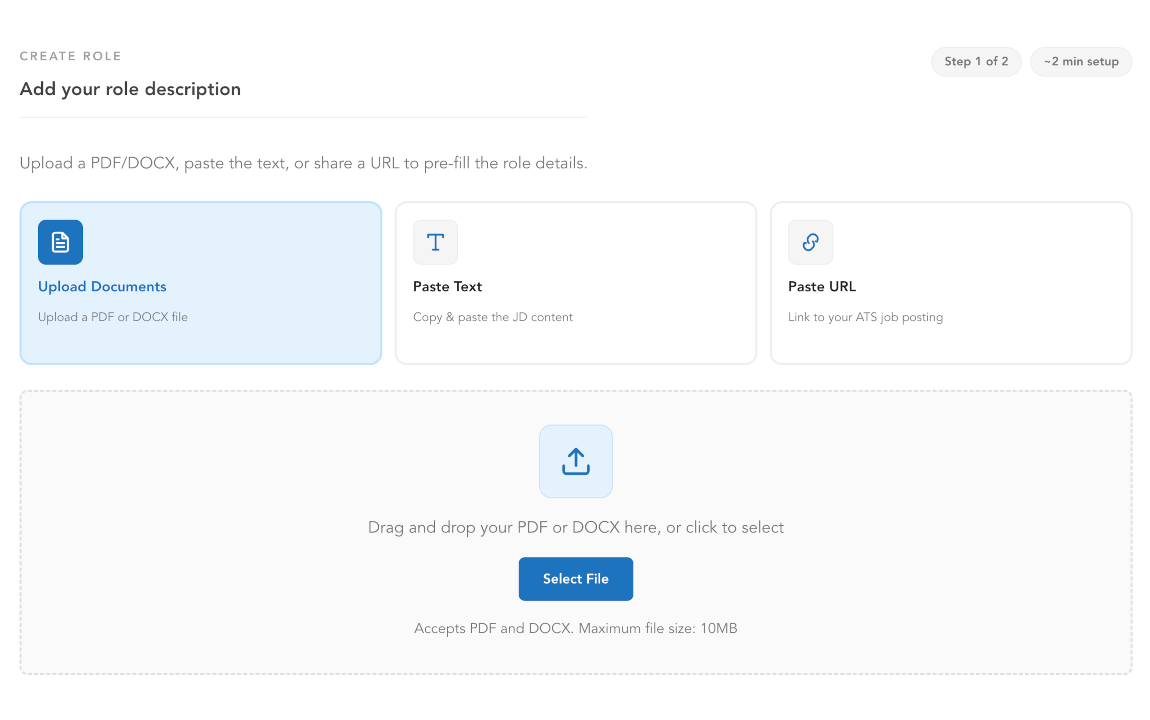
Import the role
Already have the role posted somewhere? Paste the link and Aplaix pulls it in. Or paste the text, or upload the PDF or Word doc — whatever you've got. The role gets built for you: title, requirements, the whole thing. Check it over, make any edits, done.
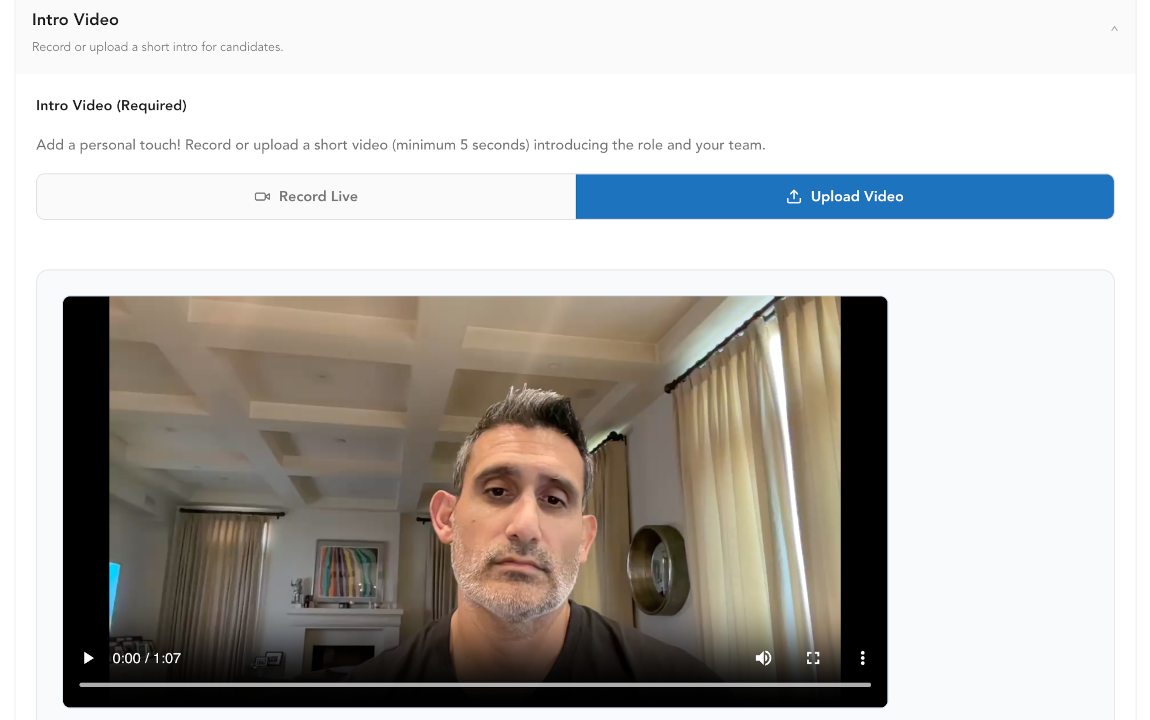
Then record a short intro video: who you are, what the team's like, what the job actually involves. One take, about a minute.
Job description + PDF upload
Recruiter intro video
Step 2 of 6
Candidates respond async
Candidates get a set of async video prompts tied to the role and record their responses on their own time — no scheduling, no back-and-forth.
See the full candidate experience →Step 3 of 6
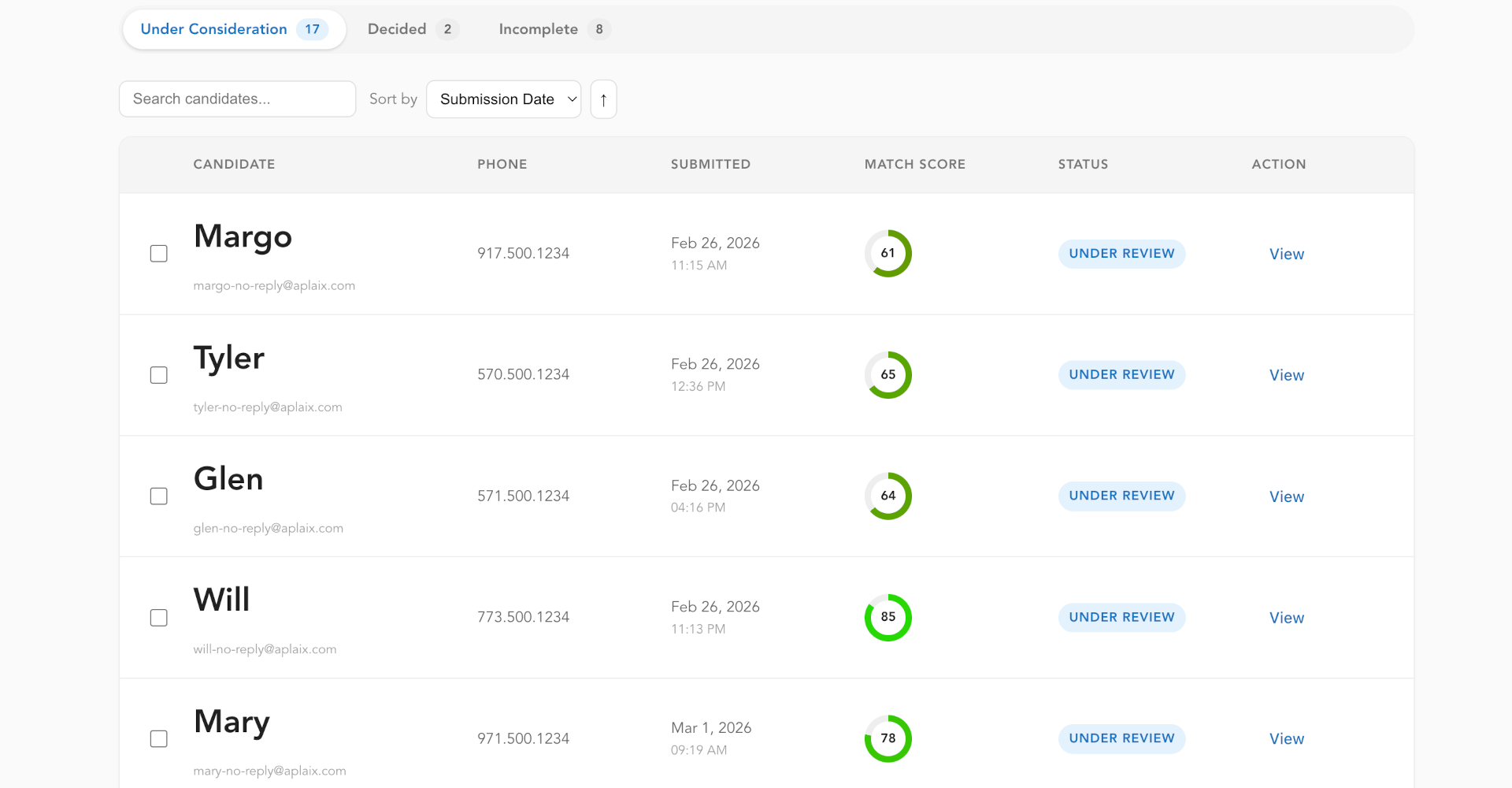
Validated submissions surface
This is where the SVS claim becomes real — not a marketing line, a queue you can actually look at.
Filtered before it reaches you
Bot and incomplete submissions, plus anything that doesn't clear the role's validation bar. TODO: confirm the exact validation criteria/thresholds with product before this copy ships.
What reaches the recruiter
Only submissions with a completed, validated video response and a generated assessment attached.
What the recruiter never has to look at
The raw, unfiltered submission pile itself. That queue doesn't exist in the recruiter's workflow.
Step 4 of 6
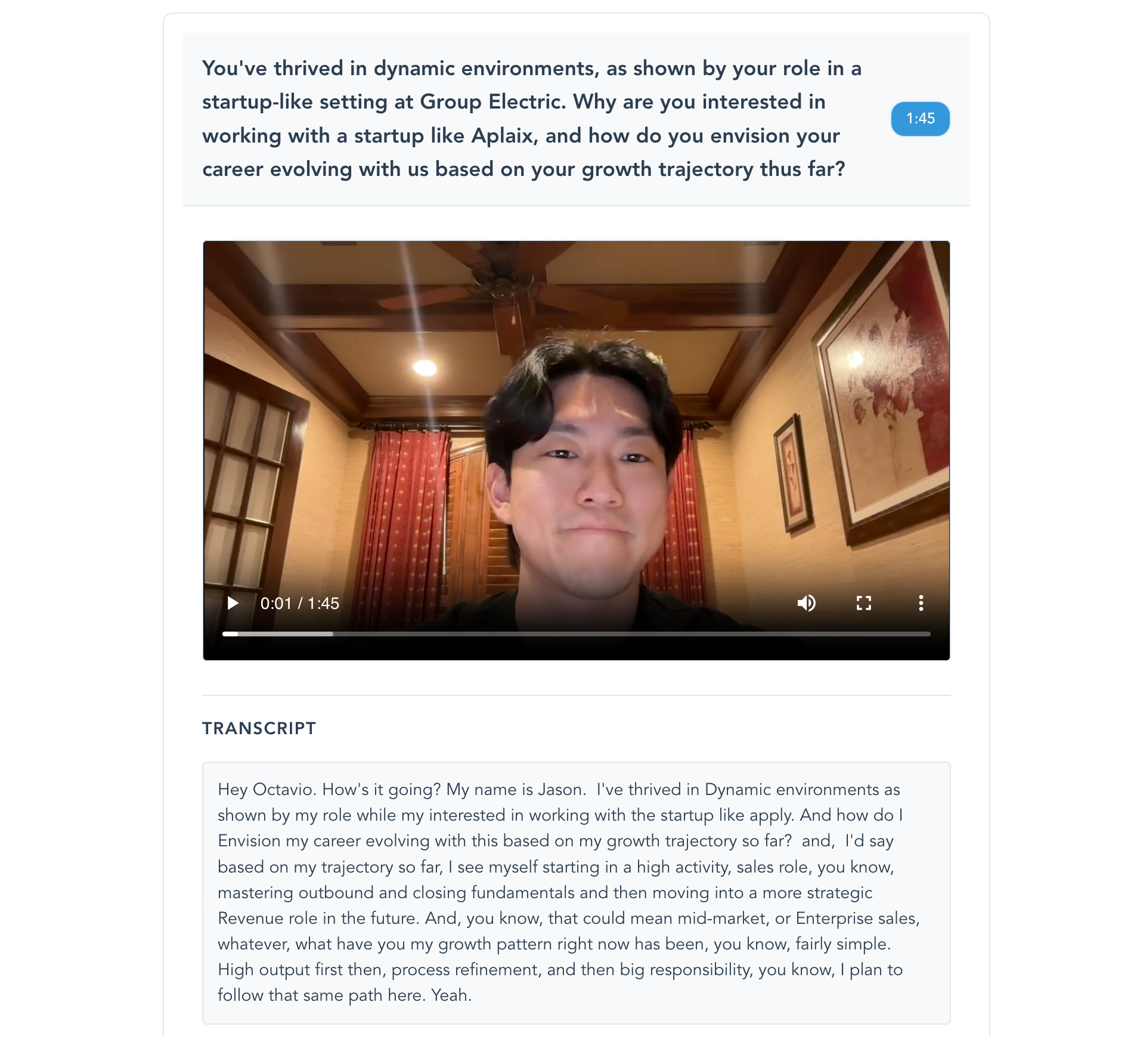
The five-minute review
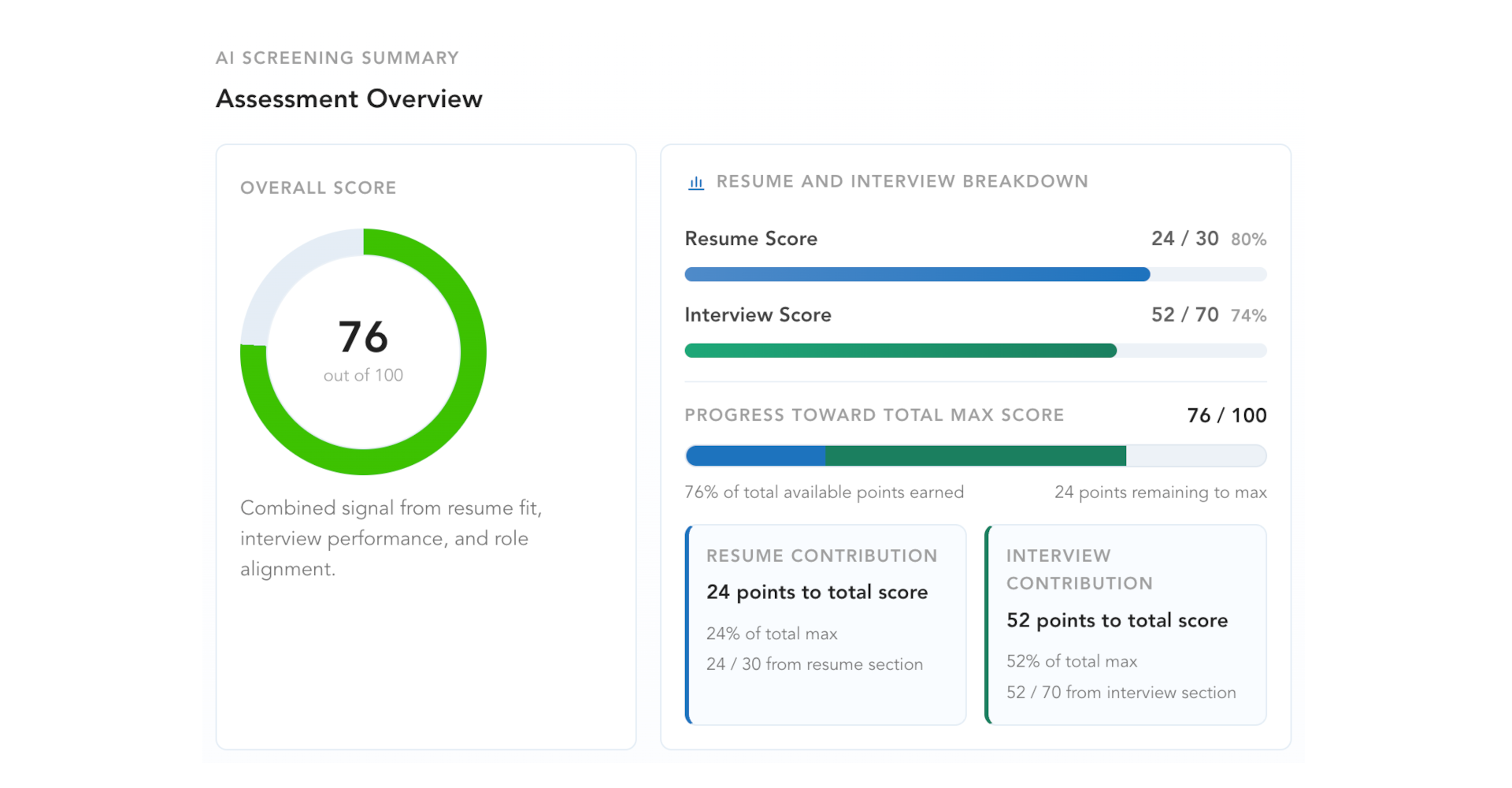
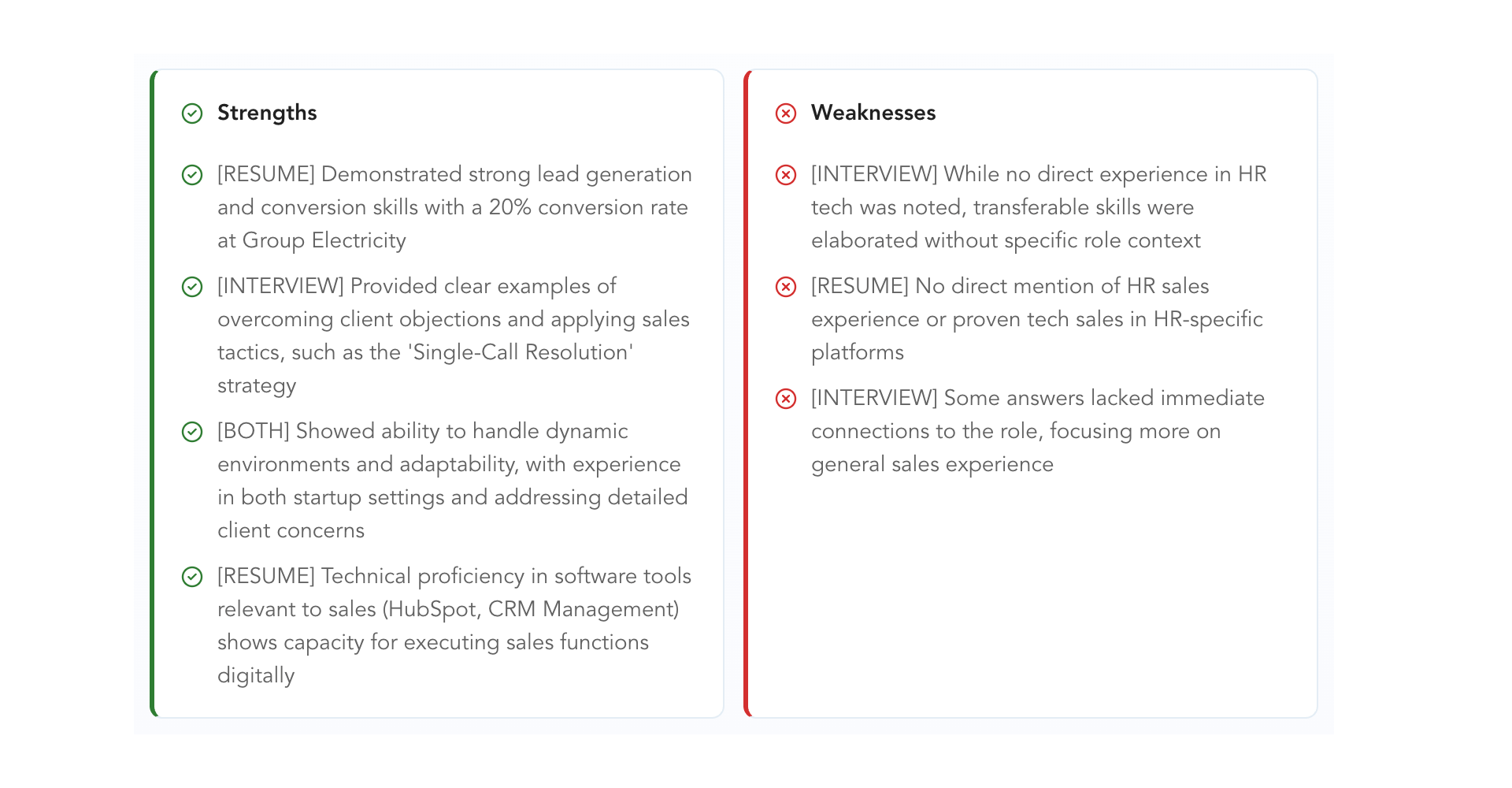
Everything before this section is setup. This is the screen that replaces the 60-minute screening call — video, transcript, and assessment in one view, so the recruiter makes a call in five minutes instead of an hour.
Step 5 of 6
Decision
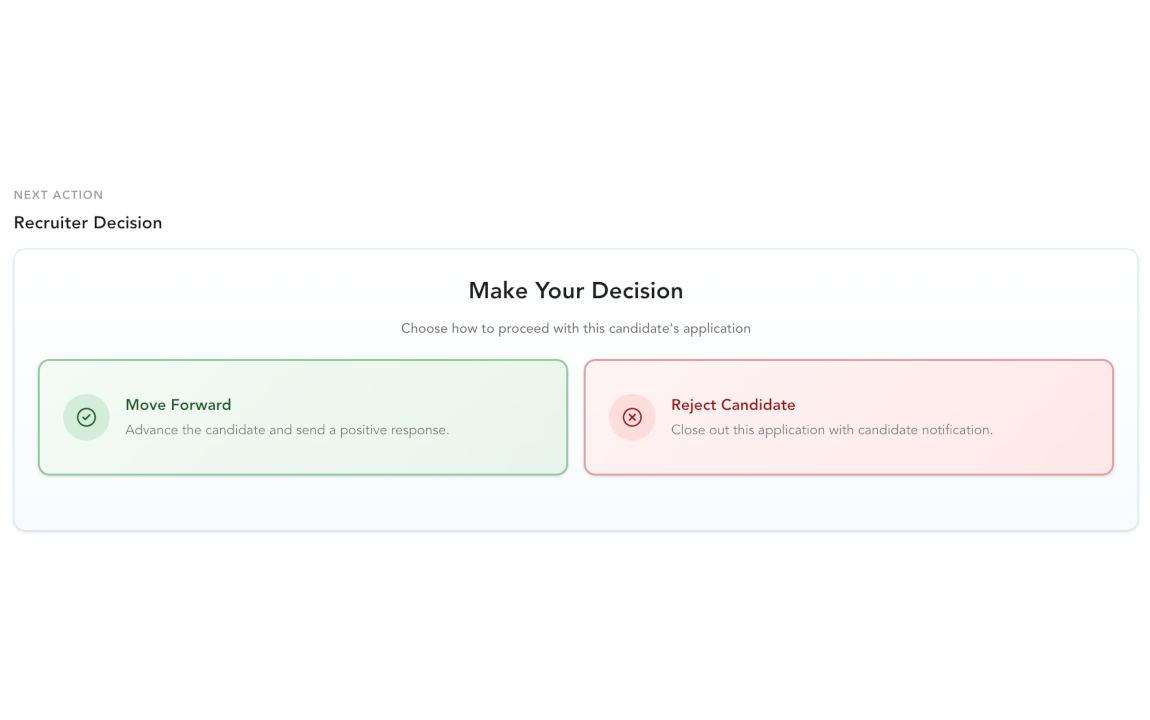
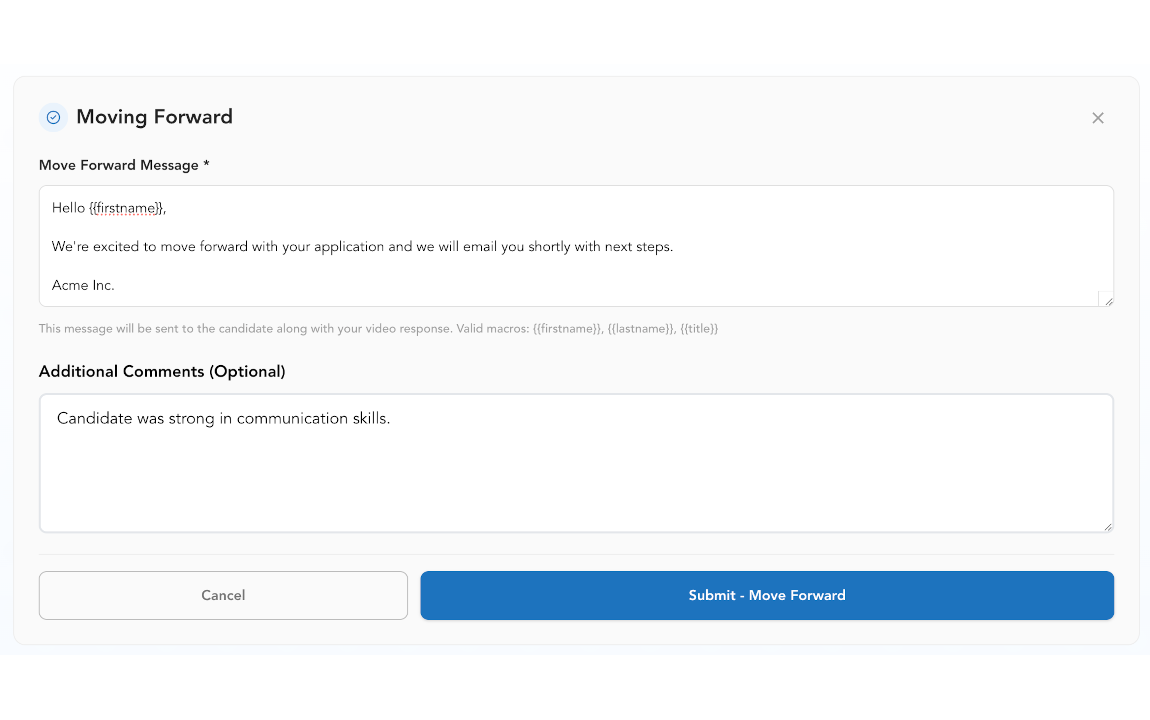
The recruiter makes a binary call — advance or reject — and the candidate gets an actual response, not silence.
Advance or reject
Response to candidate
Step 6 of 6
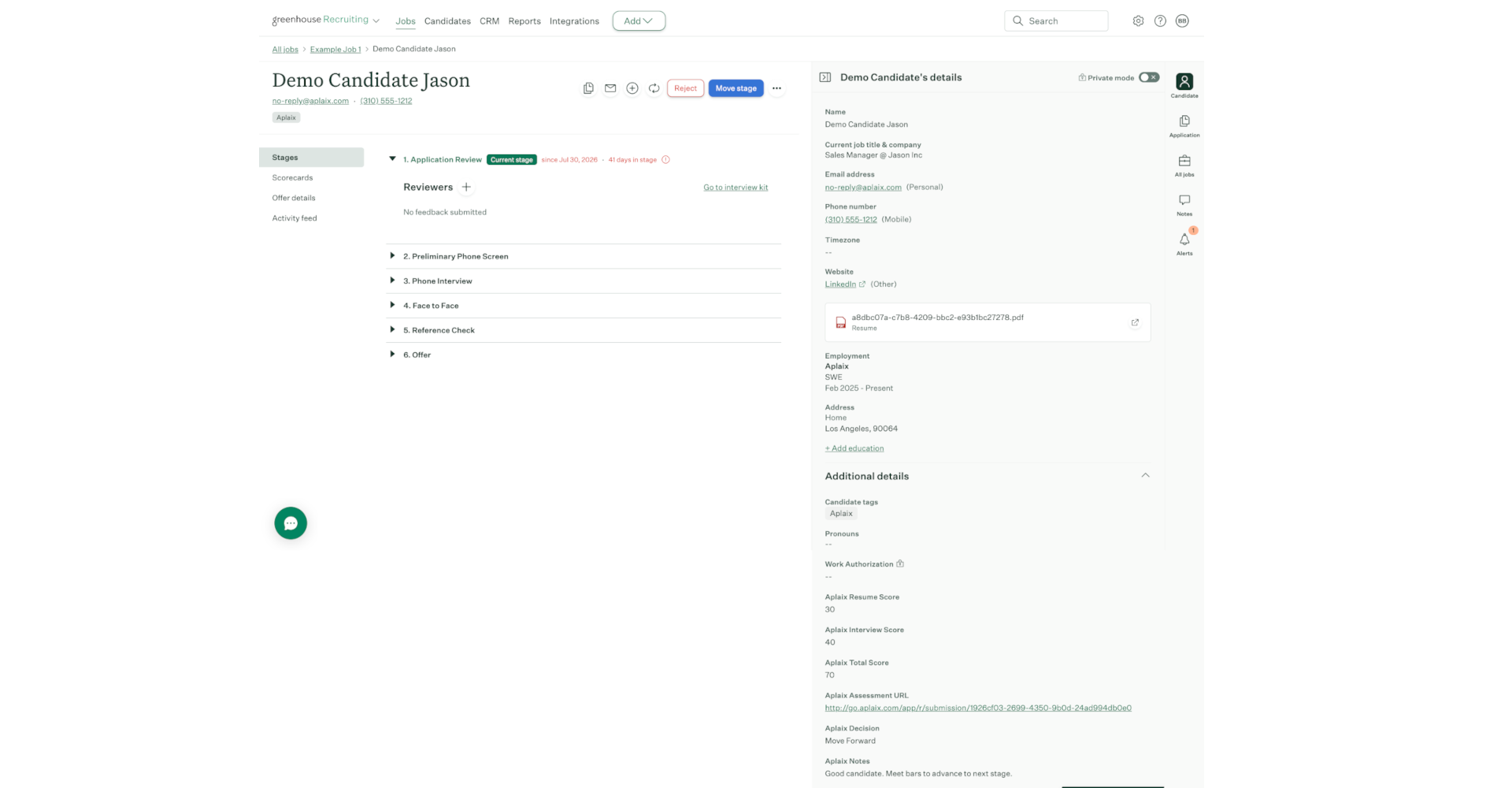
Push to ATS
There's no separate step. If Greenhouse is connected, the recruiter's decision to advance a candidate is what registers them in your ATS — with the Aplaix score attached and a link back to the full submission. Nothing syncs in the background; the decision itself is the trigger.
Candidate in Greenhouse
See the whole flow with your own role.
Post one role and walk it through the same six steps, start to finish.
Start FreeNo credit card needed